Apps and Location Tracking: What Are the Consequences?
Apps collect and sell location data—with serious privacy implications. We explain what’s collected, how it’s used (e.g. Tim Hortons), and practical steps to limit tracking on your phone.
.png)


%20(1).png)
On February 16, 2024, Wyze Labs encountered a service outage, resulting in connectivity issues for numerous users. The disruption persisted for almost nine hours, with the cameras remaining offline during this period. Wyze Labs identified Amazon Web Services (AWS), their partner, as the source of the security outage.
While working to restore camera functionality, Wyze faced an additional security concern. Some users reported encountering incorrect thumbnails and Event Videos in their Events tab. Disturbingly, unauthorized individuals could enlarge images or view videos from strangers’ Wyze cameras. 13,000 users inadvertently gained surveillance access to other homes.
Although the company released a statement that over 99.75 percent of Wyze’s user base remained unaffected by the breach, 0.25 percent still experienced a serious violation of their privacy.
In response to this incident, Wyze has implemented an additional layer of verification for users seeking access to video content via the Events tab, aiming to prevent such privacy breaches in the future.
Major professionally monitored security systems, like Wyze, are not perfect. Home security cameras are understandably used in many homes to enhance safety and security. If you own and/or use a security camera, it’s important to be aware of the risks associated with these devices. Follow these steps to ensure you are protected:
Request a private consultation to find out whether Richter Guardian is a good fit for you.
Richter Guardian gives you enterprise-level cybersecurity tailored for individuals, families, and executives.


Of the many digital traces we leave in daily life, location metadata may be the most revealing. Location tracking is common in many applications because it’s so useful – it can allow you to get directions from here to there, discover the closest restaurants near you, or tell you your local weather conditions. These perks, however, can come with large privacy risks.
Companies that you would never suspect needing so much of your data, are quietly collecting enormous amounts of data. For example, in 2020, an investigation was done on Tim Hortons, as the Tim Hortons app reportedly tracked an individual’s location more than 2,700 times in five months. Commissioners say Tim Hortons collected “vast amounts” of granular location data with the aim of delivering targeted advertising, to better promote its coffee and associated products, but that it never actually used the data for this purpose.
Some of the apps on our phone sell or share location data about their users with companies that analyze the data and sell their insights. There are many ways location data can be used, and the market for this data is huge – the location data industry is an estimated $12 billion market. Collectors, aggregators, marketplaces, and location intelligence firms are potential buyers interested in your location data.
Some apps genuinely need your location to work properly, but others have different motives. Many collect location data for reasons unrelated to their main function, like targeted ads or selling it to data brokers.
Once an app collects your location data, you lose control over where it goes. It can be sold repeatedly—from data providers to aggregators that combine information from multiple sources. It could end up in the hands of a “location intelligence” firm that uses the raw data to analyze foot traffic for retail shopping areas and the demographics associated with its visitors.
You might think, “I have nothing to hide.” But location data can reveal much more than you realize, such as:
Even though this data isn’t directly linked to your name, experts have shown that it’s easy to match location history with other data to identify people and their habits. In 2020, a religious publication used smartphone app data to infer the sexual orientation of a high-ranking Roman Catholic official. The publication claimed it obtained “commercially available” location data from an unnamed vendor and linked it to the priest’s phone, revealing visits to gay bars and private residences while using Grindr, a dating app popular with the LGBTQ+ community.
Privacy advocates have long cautioned that advertisers gather location and personal data, which is then compiled and sold by data brokers. This information can be used to identify individuals and is not subject to regulations requiring clear consent from those being tracked.
The quickest and easiest way to reduce tracking is to delete unnecessary apps. Both Android and Apple allow you to check which apps have access to your location and whether they track it only while in use or all the time. If you don’t use an app often, consider removing it.
Your location can be tracked through your phone, logged-in accounts, internet connection, and location services. To limit oversharing, take these steps:
Despite these precautions, location tracking can’t be completely eliminated. It’s important to support companies that provide clear and transparent privacy policies.
Request a private consultation to find out whether Richter Guardian is a good fit for you.

As technology rapidly advances, so do the threats to business security, underscoring the critical importance of regular software updates. Cyber-attacks are becoming increasingly sophisticated and widespread, posing significant risks to organizations of all sizes. To defend against these malicious threats, businesses must prioritize keeping their software up to date.
Software updates not only introduce new features but also provide essential security patches to address potential vulnerabilities. Failing to update can leave individuals and businesses exposed to cyber breaches, data theft, and financial loss. Given the growing reliance on technology for daily operations, maintaining strong security measures is more important than ever.
Regular software updates are a crucial line of defense against cyber threats, making it imperative for businesses to stay current to protect their data, customers, and reputation.
You can check if your device’s software is up to date by going into the device’s settings and looking for the “software update” option. Here’s how to do it on different types of devices:
Whenever possible, activate automatic updates to receive the latest patches immediately upon release.
Request a private consultation to find out whether Richter Guardian is a good fit for you.
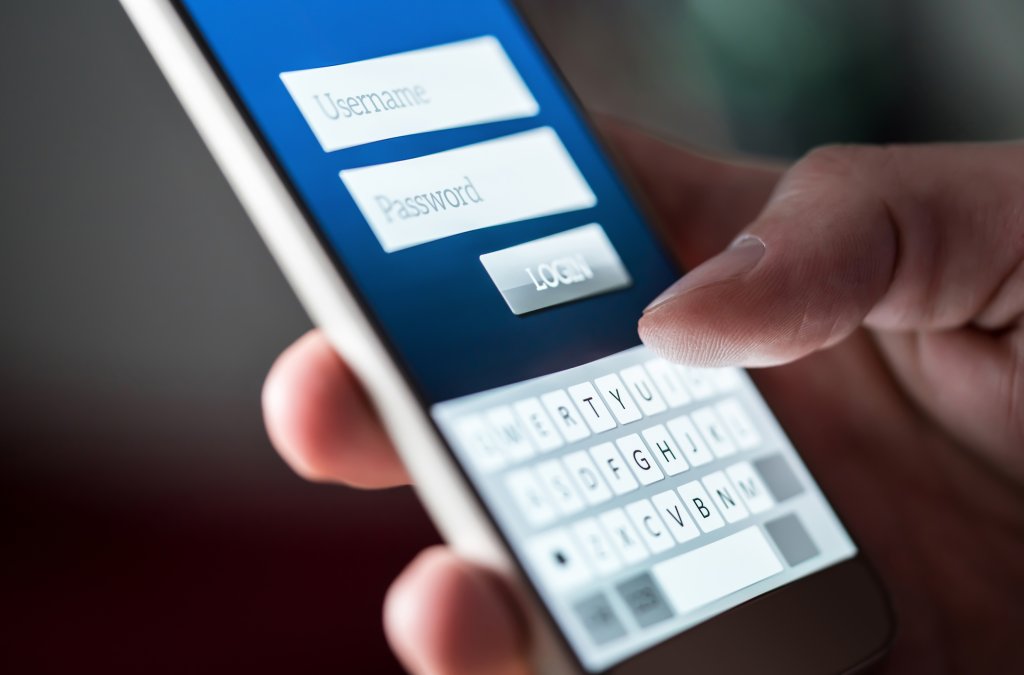
On February 2, 2024, AnyDesk confirmed a recent cyberattack that resulted in hackers gaining access to the company’s production systems. The breach involved the theft of source code and private code signing keys.
AnyDesk is a widely used remote access solution that is popular among enterprises for remote support and accessing colocated servers.AnyDesk became aware of the attack after they detected an incident on their production servers. Following a security audit, they identified a compromise on their systems and implemented a response plan in collaboration with CrowdStrike.
Following the disclosure of the breach, cybersecurity company Resecurity promptly announced that an individual is attempting to vend the credentials of over 18,000 AnyDesk customers on a well-known cybercrime forum. The seller is seeking $15,000 in cryptocurrency for the compromised credentials.
Although AnyDesk claims that passwords were not stolen in the attack, the threat actors still managed to successfully breach their production systems.
f you receive a call from someone purporting to be technical support or receive a pop-up regarding the safety of your device and you are unsure, call us to help you determine the legitimacy of their communication.
Request a private consultation to find out whether Richter Guardian is a good fit for you.